GritShot

Your adventure,
beautifully captured.

Upload your Garmin FIT file, add your trail photo, and create a stunning shareable GritShot with embedded stats — distance, elevation, time and more.
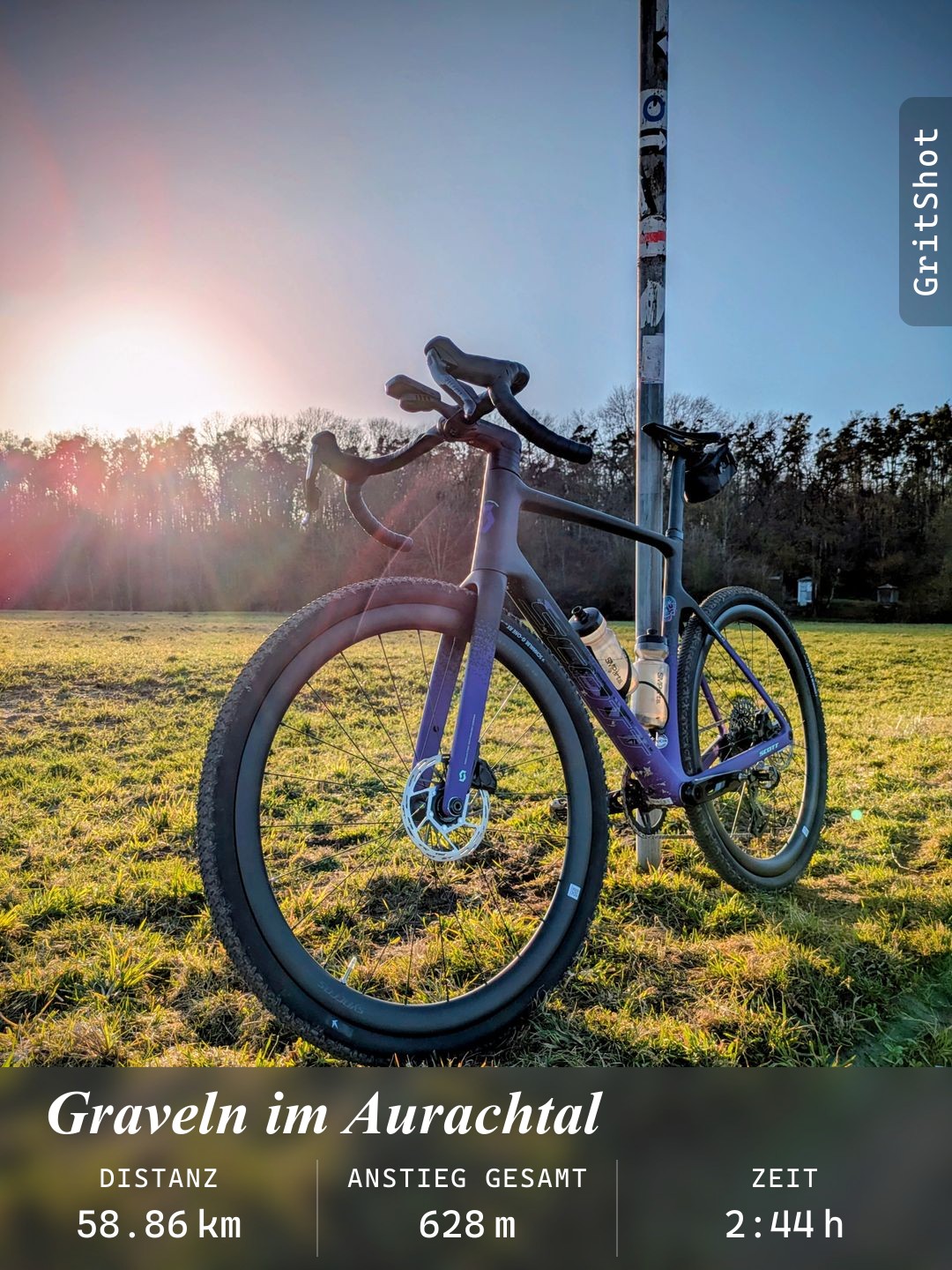
Example GritShot — gravel ride

Your photo + Garmin stats, ready to share

How It Works

Three steps to a shareable GritShot

Step 1

Upload Your FIT File

Export your activity from Garmin Connect and upload the FIT file. Distance, elevation, pace, heart rate — all parsed automatically.

Step 2

Add Your Photos

Upload the best shot from your run, hike, or ride. GritShot overlays the stats right onto your image.

Step 3

Share Your Achievement

Download your custom GritShot and share it on WhatsApp, Instagram, or wherever you celebrate your outdoor adventures.

Features

Everything your adventure deserves

Privacy First

Your photos and FIT files are processed on the server but never stored — nothing is saved, no tracking, no selling.

FIT File Support

Upload your Garmin FIT file directly — no account connection needed.

Rich Activity Stats

Distance, elevation, pace, time, heart rate and more — pick what to show.

Custom GritShots

Overlay your statistics onto your own trail photos for a personal touch.

Social-Ready Format

Export in formats optimized for Instagram, Strava, and other platforms.

Runs, Hikes & Rides

Works with all Garmin outdoor activity types — trail running, cycling, hiking.

Ready to show off your next adventure?

Upload your FIT file, add a photo, and create your first GritShot in minutes.

Create Your GritShot